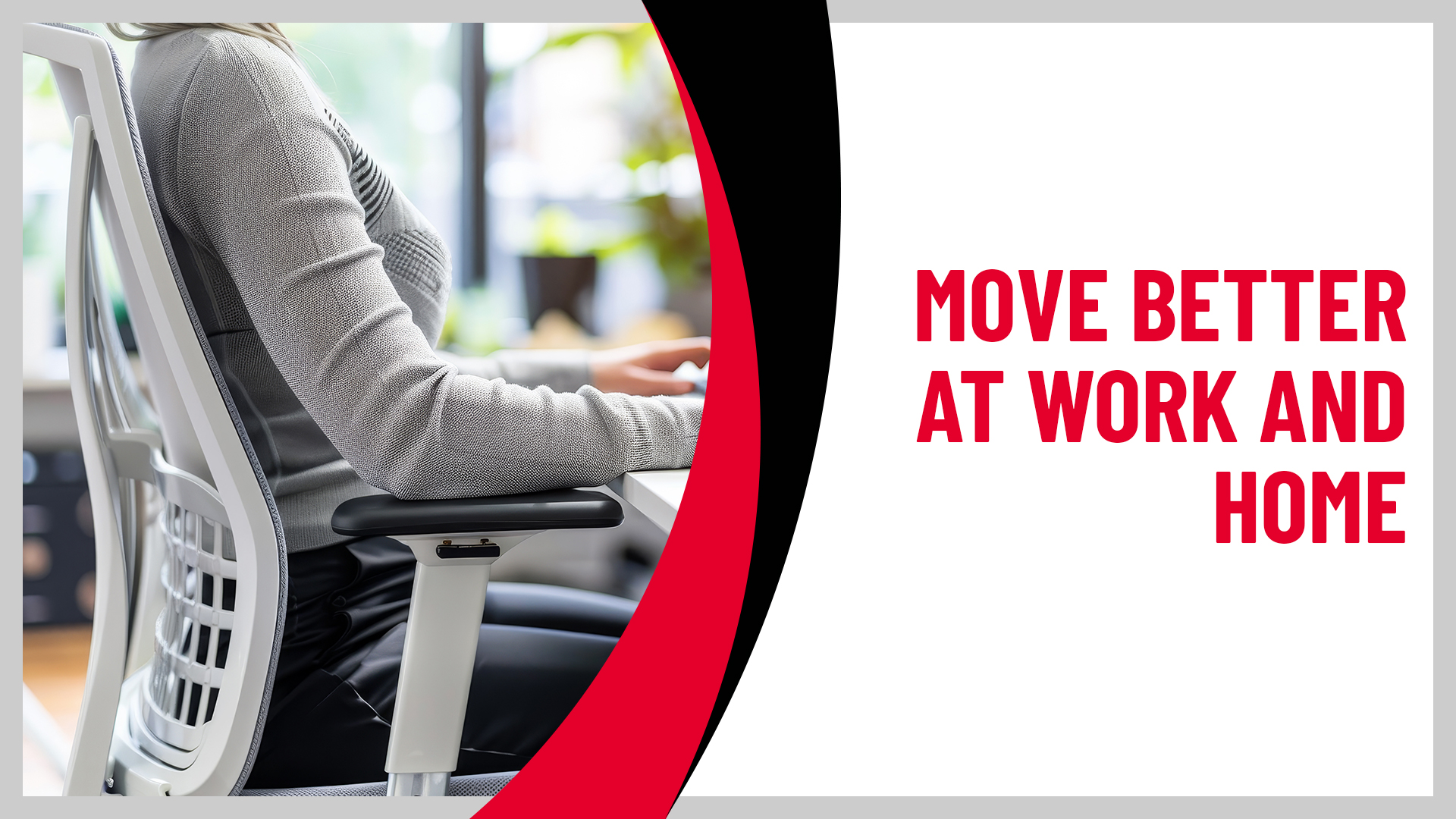
Ergonomics can sound like something that requires a special chair, an expensive standing desk, and a perfectly measured workstation. In reality, some of the most useful ergonomic changes are surprisingly simple.
Moving your monitor, bringing your mouse closer, supporting your feet, changing positions, or taking a few minutes away from your screen can all make your workday more comfortable. And ergonomics doesn’t stop when you leave the office. The way you use a laptop on the couch, scroll on your phone, cook, carry groceries, or tackle projects around the house can affect how your body feels, too.
The goal isn’t perfect posture. It’s creating an environment that makes comfortable movement easier and reduces the amount of time your body spends working harder than it needs to.
Reviewed and contributions made by VP of Clinical Development Thomas Denninger
Key Takeaways
- Good ergonomics is about fitting your environment to your body, not forcing your body into one “perfect” posture.
- Small adjustments to your monitor, chair, keyboard, and mouse can reduce unnecessary reaching, bending, and muscle strain.
- Even a well-designed workstation can’t replace regular movement and position changes.
- Ergonomics matters away from your desk, too, including how you use your phone, laptop, kitchen, and other everyday spaces.
- If pain continues despite making adjustments, a physical therapist can help identify other contributing factors.
By the Numbers: What Does the Research Say
- Desk work may not feel physically demanding, but spending hours in the same position and repeating the same movements can add up.
- In studies of people who spend much of their workday at a computer, at least 1 in 3 reported work-related muscle or joint problems. The lower back, neck, upper back, and shoulders were among the areas most often affected.
Source: PubMed Central: A Systematic Review of Work-Related Musculoskeletal Disorders and Risk Factors Among Computer Users - In a review of seven studies involving nearly 1,000 office workers, every study found some improvement in pain or other muscle and joint symptoms when exercise was added to the workday. The type of exercise varied, but the bigger message is simple: your body benefits from opportunities to move.
Source: PubMed Central: Effectiveness of Workplace Exercise Interventions in Office Workers
Together, these numbers reinforce a practical point: you don’t need to be doing physically demanding work for your body to feel the effects of the workday. Your setup matters, but so does how much you move.
- In studies of people who spend much of their workday at a computer, at least 1 in 3 reported work-related muscle or joint problems. The lower back, neck, upper back, and shoulders were among the areas most often affected.
If neck, shoulder, back, wrist, or other musculoskeletal pain keeps returning despite changes to your workspace and routine, you don’t have to keep rearranging your desk and hoping something works.
An ATI physical therapist can evaluate what’s contributing to your symptoms and help you develop practical strategies for moving more comfortably at work, home, and everywhere in between.
Forget Perfect Posture
“Sit up straight.”
Most of us have heard that advice since childhood. But spending eight hours trying to hold yourself in one rigid position isn’t the goal of good ergonomics.
Aim for a setup that feels supported, keeps frequently used items close, and gives you room to change positions. Your shoulders can relax instead of creeping toward your ears. Your elbows stay near your sides. Your wrists aren’t constantly bent while you type. Your feet have somewhere to rest, and your screen doesn’t require you to spend the day looking sharply up, down, or to one side.
But even a comfortable position can become uncomfortable when you stay there too long.
Think of posture less as a single “correct” position and more as something that should change throughout your day. Sit back for a while. Lean forward when you need to. Stand up. Walk to another room. Stretch your legs.
Your next posture can sometimes be more important than your “best” posture.
Start With the Things You Look at and Reach for Most
Before buying anything new, sit at your desk and notice what you’re doing without thinking about it.
Are you leaning toward your screen to read? Reaching across the desk every time you use your mouse? Looking down at a laptop for hours? Twisting toward a second monitor?
Those little movements may not feel like much once or twice. Repeat them throughout an entire workday, and they’re worth addressing.
Bring Your Screen to You
Position your primary monitor directly in front of you so you don’t have to spend long periods turning your head.
beset the screen at a comfortable height so your head remains fairly level rather than constantly looking down. If you work on a laptop for long periods, a laptop stand or stable riser can raise the screen.
If you raise the laptop, use a separate keyboard and mouse so you aren’t reaching upward to type.
Keep Your Mouse and Keyboard Close
Keep your keyboard and mouse within easy reach, without repeatedly reaching or lifting your shoulders.
If your mouse tends to migrate across the desk, bring it back beside the keyboard. Keep other frequently used items within easy reach, too.
A small change in distance can make hundreds of repeated movements easier over the course of a week.
Give Your Feet Somewhere to Go
If your chair is high enough for your desk but your feet dangle, the setup isn’t working for you.
Lower the chair if you can do so while keeping the keyboard at a comfortable height. If that’s not possible, use a footrest or another firm, stable surface to support your feet.
And don’t overlook the chair itself. Sit far enough back that the backrest can support you. If your chair doesn’t provide enough lower-back support, a small cushion or lumbar roll may make it more comfortable.
You don’t necessarily need to buy specialized ergonomic equipment. Start by making your current setup work better for your body.
Change Positions Before Your Body Asks You To
A standing desk can be useful, but not because standing is automatically better than sitting. Its biggest advantage is that it gives you another position to use.
The same idea applies if you don’t have an adjustable desk.
Get up during a phone call. Walk to refill your water. Stand between meetings. Take a lap around the house or office before starting your next task.
You don’t need to turn every break into a workout. The point is to interrupt long stretches in the same position.
This matters at home, too. A kitchen counter or couch may be fine for answering a few emails. If it quietly becomes your eight-hour workstation, though, it’s worth creating a more supportive setup.
If you split your week between home and an office, look at both spaces. Your body doesn’t know which desk belongs to your employer and which one belongs to you.
Ergonomics Doesn’t End at Your Desk
A workstation gets most of the attention when people talk about ergonomics, but the same basic idea applies throughout your day: make the task fit your body whenever you can.
Spend a lot of time on your phone? Bring the screen higher occasionally instead of always dropping your head toward it.
Cooking dinner? Bring what you’re chopping or preparing close enough that you aren’t constantly leaning across the counter.
Carrying groceries? Divide heavier loads between both hands or make two trips instead of loading everything onto one side.
Cleaning, gardening, or working on a home project? Change positions and tasks instead of spending a long stretch repeatedly bending or reaching in the same way.
None of these changes are dramatic. That’s the point.
Ergonomics works best when it becomes part of how you approach everyday tasks, not something you only think about after your neck or back starts hurting.
Try These Quick Desk Moves
A few simple movements can help break up time at your desk and move areas that tend to feel stiff.
Exercise safety note: These exercises are for general education and may not be appropriate for everyone. Talk with a physical therapist or healthcare provider before trying them, especially if you have an injury, medical condition, or recent surgery. Stop if you experience pain, dizziness, or feel unwell.
Chin Tucks
- Sit or stand with your shoulders relaxed.
- Keep your eyes level.
- Gently draw your chin straight backward without tipping your head up or down.
- Hold for 3 seconds, then relax.
Perform 10 repetitions.
Why it helps: Gently moves the neck after time spent looking at a screen.
Upper Back Extension
- Sit in a sturdy chair with your feet supported.
- Place your hands behind your head or across your chest.
- Gently extend your upper back over the top of the chair.
- Hold for 5 seconds, then return to your starting position.
Perform 5 repetitions.
Why it helps: Moves the upper back in the opposite direction of the rounded position that often develops during prolonged desk work.
Seated Trunk Rotation
- Sit tall with your feet flat on the floor.
- Gently rotate your upper body to one side.
- Pause briefly without forcing the movement.
- Return to the center and repeat on the other side.
Perform 5 repetitions on each side.
Why it helps: Adds rotational movement after spending long periods facing straight ahead.
Sit-to-Stand
- Sit near the front of a sturdy chair with your feet flat on the floor.
- Lean forward slightly and stand.
- Slowly lower yourself back into the chair with control.
Perform 8 to 10 repetitions.
Why it helps: Gets your hips and legs working after prolonged sitting while adding a simple full-body movement break.
These movements should feel comfortable. Stop if an exercise causes new or worsening pain.
When an Ergonomic Fix Isn’t Enough
Sometimes moving your monitor or changing your chair solves the problem. Sometimes it doesn’t.
Pay attention to pain that keeps returning, becomes more intense, or starts changing what you’re able to do. Numbness, tingling, weakness, loss of grip strength, or symptoms that travel into an arm or leg are also worth discussing with a healthcare professional. New, worsening, or significant weakness or loss of function warrants prompt medical evaluation, while persistent sensory symptoms should be assessed by an appropriate healthcare professional.
A physical therapist can look beyond the workstation itself. Your evaluation may include your mobility, strength, movement habits, symptoms, and the tasks you perform throughout the day. That matters because two people with identical desks can experience completely different problems. Your workstation is only one part of the picture.
Make Your Space Work for You
You don’t need to redesign your office this weekend. Start with what bothers you most.
If your neck feels tired by midafternoon, look at your monitor. If your shoulder aches while using your mouse, look at how far you’re reaching. If your back gets stiff, look at your chair, but also look at how long you’re staying in it. Make one or two changes and see how your body responds. Good ergonomics isn’t about creating a picture-perfect workstation. It’s about making everyday tasks easier on your body and giving yourself enough opportunities to move throughout the day.
At ATI Physical Therapy, we can help identify the movement, strength, mobility, and everyday habits that may be contributing to pain, then build a plan that fits your work and your life.
Ready to Move Better at Work and at Home?
If neck, shoulder, back, wrist, or other musculoskeletal pain keeps returning despite changes to your workspace and routine, you don’t have to keep rearranging your desk and hoping something works.
An ATI physical therapist can evaluate what’s contributing to your symptoms and help you develop practical strategies for moving more comfortably at work, home, and everywhere in between.
Ready to take the next step?
Book an Evaluation Today
Frequently Asked Questions
What is ergonomics?
Ergonomics is the practice of designing or adjusting tasks, tools, and environments to better fit the person using them. At a desk, that might mean changing your chair height, monitor position, or mouse placement. The same idea can apply to activities throughout your home and workplace.
What is the best posture for sitting at a desk?
There isn’t one position you need to hold all day. Aim for a comfortable setup where your head is relatively level, shoulders are relaxed, elbows stay near your body, wrists aren’t sharply bent, and your feet are supported. Then change positions regularly.
Is a standing desk better for back pain?
Not necessarily. A standing desk gives you another position to use, which can be helpful, but standing for an entire workday can become uncomfortable, too. Alternating positions and moving regularly is more practical than simply replacing all sitting with standing.
Can physical therapy help with pain from desk work?
Yes. Physical therapy can address factors such as mobility, strength, movement habits, and activity tolerance that may contribute to pain during or after desk work. A physical therapist can also help you identify practical changes to activities that tend to aggravate your symptoms.